

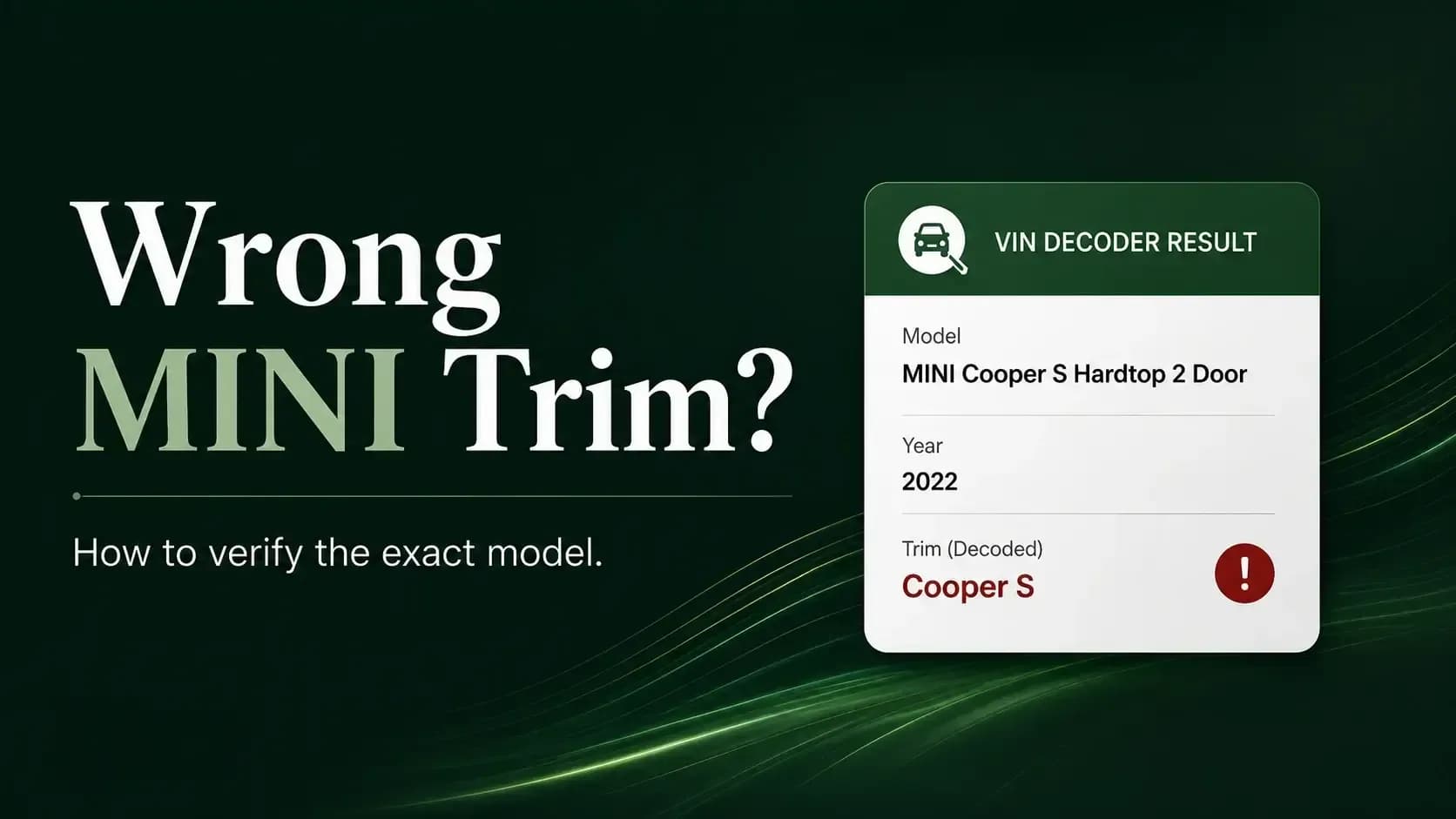
A MINI VIN decoder may show the wrong trim because the VIN does not always identify every package, special edition, or sales name. Different databases may also translate the same manufacturer code in different ways.
That does not automatically mean the VIN is wrong. Start with the MINI VIN decoder, then compare the result with the car, registration, factory equipment, and original documents.
Key Takeaways
- A VIN confirms core vehicle identity better than every trim or package name.
- Decoder databases may group several MINI versions under one model family.
- Engine, transmission, body style, and factory records help confirm the exact model.
Why Does a VIN Decoder Show the Wrong MINI Trim?
A VIN decoder trim mismatch often comes from how the lookup service interprets manufacturer codes. MINI model names, regional labels, and package structures do not always fit neatly into one database field.
These six causes explain most incorrect or incomplete results.
The Decoder Uses a Broad Model Family
Some systems return only Cooper, Clubman, Countryman, Convertible, or another main model family. The result may be broadly correct while still missing the exact trim.
Several Trims Share Similar VIN Data
Two MINI trims may share the same body style, engine family, production plant, and safety configuration. The decoder may not have enough detail to separate them.
Trim Names Changed Between Model Years
MINI has changed trim and package names across generations. A database using newer labels may describe an older car differently, even when its core specifications are correct.
The Vehicle Came from Another Market
A MINI sold in Europe may use a different trim name from a similar model sold in the United States. Imported vehicles can therefore produce unfamiliar results.
Appearance Parts Were Added Later
JCW badges, wheels, steering wheels, mirror caps, or body pieces may have been installed after delivery. The car can look like a higher trim while the VIN reflects its original identity.
The Database Record Is Incomplete
VIN services do not all use the same data sources. One may show the exact version, while another returns only a generic MINI Cooper description.
What Does a VIN Actually Tell You About Trim?
The question “Does a VIN number include trim level?” has a slightly awkward answer: sometimes it helps, but not always.
A VIN is better at confirming the vehicle’s foundation than listing every showroom package or special-edition name.
Model Family
The VIN can help identify the manufacturer, vehicle type, model family, and broad body configuration. This usually narrows the car to the correct MINI line.
Engine and Vehicle Characteristics
Manufacturer-assigned positions may represent engine, restraint, body, or drivetrain information. These details can narrow the likely trim when the database maps them correctly.
Model Year and Production Details
The VIN includes coded information for model year, production plant, and vehicle sequence. These details help confirm whether the result fits the car’s age and origin.
Packages and Individual Options
The VIN usually does not spell out every comfort, technology, appearance, or special-edition package. Factory build information is more useful for those details.
How Can You Find the Exact MINI Trim If the Decoder Is Wrong?
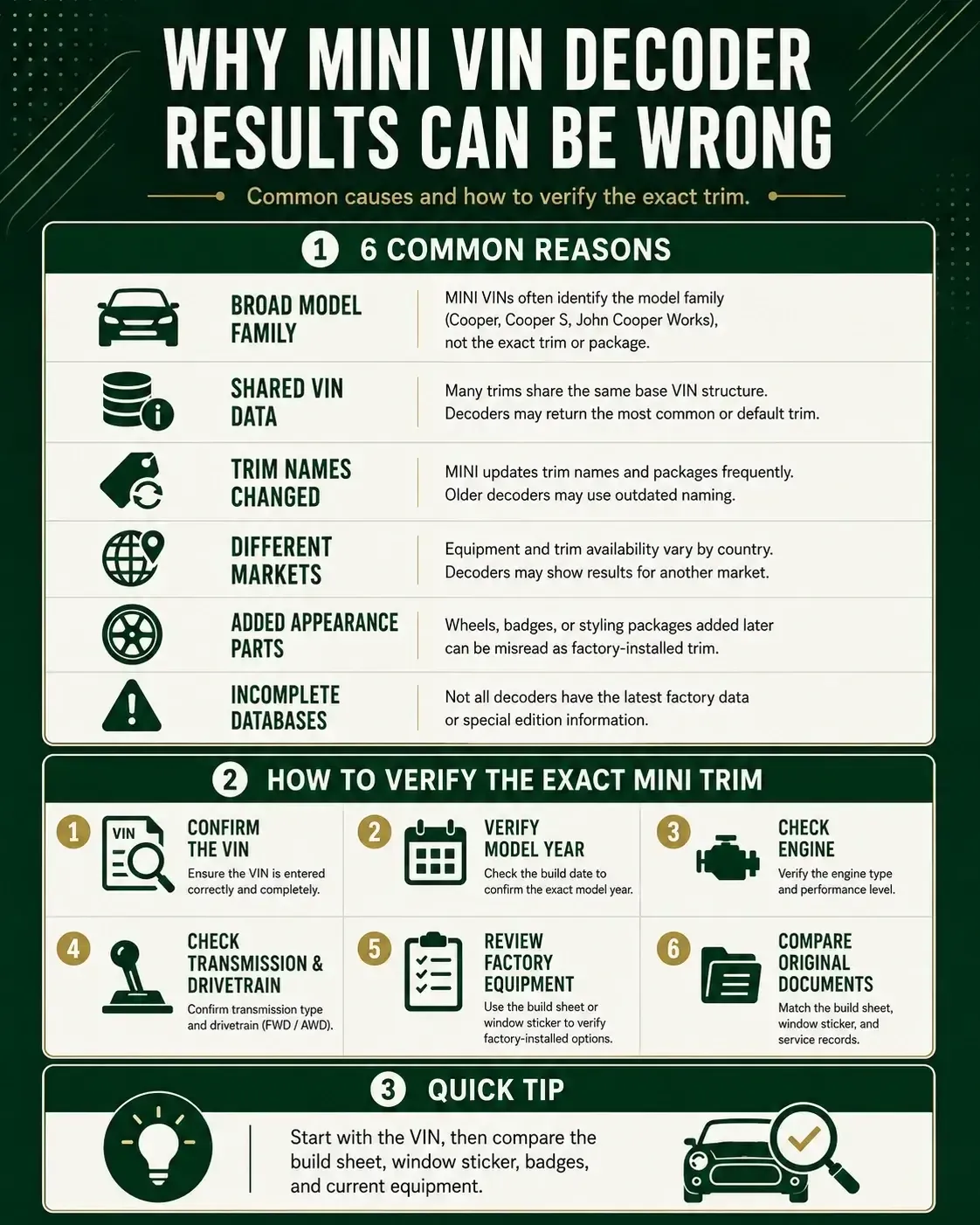
When a VIN lookup shows an incorrect model, follow the evidence in order. Do not rely on one badge, one seller description, or one database result.
Confirm Every VIN Character
Match all 17 characters across the dashboard, door jamb, registration, title, and insurance documents. One wrong character can return information for another vehicle.
Verify the Model Year
Compare the decoded year with the registration and production details. A registration date may differ from the vehicle’s official model-year cycle.
Compare the Engine
Check the engine size, fuel type, and available powertrain details. These facts can separate a Cooper from a Cooper S more reliably than badges.
Check the Transmission and Drivetrain
Confirm whether the MINI has a manual, automatic, or dual-clutch transmission. Also verify front-wheel drive or all-wheel drive when that data is available.
Review the Factory Equipment
Compare the wheels, upholstery, trim, technology, and packages with original records. Later additions may make a lower trim look like a higher version.
Check the Original Documents
Use the build sheet, original window sticker, dealer invoice, or factory equipment record. These sources often show details that a basic decoder misses.
For help separating original equipment from later upgrades, review factory-installed, dealer-installed, and aftermarket MINI options.
Pro Tip: Photograph the dashboard VIN before entering it. A clear image makes character-by-character comparison easier and reduces typing mistakes.
A Sample MINI VIN Shows the Decoder’s Limits
Consider the sample VIN WMWXM5C50F3A58690. Its structure shows why a VIN can confirm important facts without always producing a complete showroom trim name.
| VIN section | Sample value | What it helps identify |
|---|---|---|
| Positions 1–3 | WMW | Manufacturer and vehicle-origin identifier |
| Positions 4–8 | XM5C5 | Manufacturer-defined vehicle characteristics |
| Position 9 | 0 | Check digit |
| Position 10 | F | 2015 model year in the modern VIN cycle |
| Position 11 | 3 | Production-plant code |
| Positions 12–17 | A58690 | Vehicle production sequence |
← Scroll horizontally to see more →
The VIN creates a strong identity framework. The decoder still needs an accurate manufacturer-data map to translate XM5C5 into the correct model description.
One database may show “MINI Cooper.” Another may provide a more detailed Hardtop, engine, or trim description. The VIN stays the same; the interpretation changes.
Why Might a Decoder Show Multiple MINI Trims?
A decoder may display several possible trims when the available VIN data cannot separate them with confidence.
These four situations are common:
Shared Mechanical Configuration
Several trims may use the same engine, transmission, body code, and safety equipment. Without package-level data, the system may return multiple possibilities.
Optional Packages Blur the Difference
A lower trim with navigation, larger wheels, sport seats, or premium audio may look similar to a higher trim in photographs and listings.
Special Editions Use Existing Base Models
A special edition may begin as a regular Cooper or Cooper S and add paint, upholstery, badges, and trim. Some decoders return only the base model.
Regional Names Do Not Match
The same MINI configuration may carry different names in different countries. A decoder focused on one market may show a label that differs from local paperwork.
When Should a Wrong Trim Result Concern You?
Most trim level mismatch VIN problems come from naming or database differences. Some conflicts deserve a slower and more careful check.
Watch for these four warning signs:
⚠️ The VINs Do Not Match
The dashboard, door label, title, and registration should show the same VIN. A mismatch needs a clear explanation before the purchase continues.
⚠️ The Engine or Body Style Is Different
A different engine, body type, or drivetrain is more serious than a slightly different trim name. Recheck the VIN and documents before accepting the result.
⚠️ The Seller Relies Only on Badges
Badges, wheels, mirror caps, and steering wheels can be replaced quickly. They support a visual impression, but they do not prove original trim identity.
⚠️ Factory Records Conflict with the Listing
A seller may advertise a higher trim or rare package that does not appear in the original records. Ask what was installed later and request supporting documents.
For a closer look at listing conflicts, read why a used MINI listing may not match its original window sticker.
Pro Tip: Treat badges as clues rather than proof. Even genuine MINI or JCW parts may have been fitted years after the car left the factory.
What Should Sellers and Flippers Put in the Listing?
A good listing separates what the VIN confirms from what factory records, receipts, and visual inspection prove.
Use these four categories:
VIN-Confirmed Details
State the verified model year, model family, body style, engine, transmission, and drivetrain. Avoid guessing a precise trim when the evidence remains unclear.
Factory-Documented Equipment
List paint, upholstery, packages, wheels, and technology shown on the build sheet or window sticker. These records are stronger than appearance alone.
Dealer or Owner Additions
Describe later wheels, audio, suspension, lights, trim, and accessories as added equipment. Genuine MINI parts can still be later installations.
Uncertain Features
Use careful wording when documentation is incomplete. “JCW-style exterior parts” is more accurate than claiming a factory JCW model without proof.
Use the VIN as the Starting Point, Not the Whole Answer
A VIN decoder wrong trim result does not always mean the lookup failed. The system may identify the correct model family while missing a package, special edition, or regional trim name.
Start with the VIN, then confirm the model year, engine, transmission, drivetrain, body style, and factory equipment. Original documents fill the gaps that a basic decoder may leave behind.
Most importantly, do not let badges or a generic dealer template settle the question. A MINI can look like a higher trim without being one from the factory.
To verify the vehicle again, run the MINI VIN through the decoder and compare the result with its documents.